
Password Generator Tool
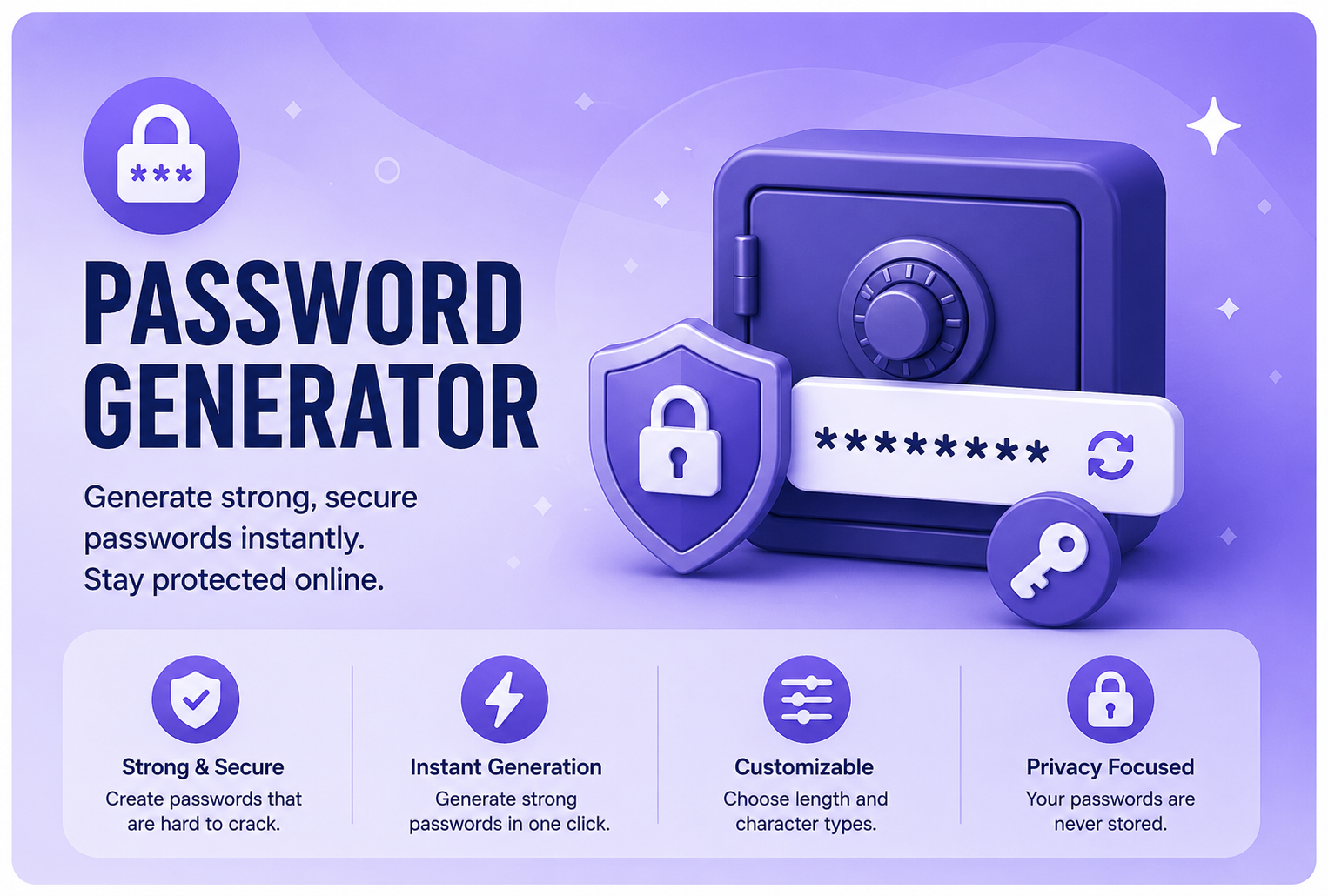
Create strong, secure, and random passwords instantly with our free online Password Generator Tool. Protect your accounts from hackers by generating passwords that are difficult to guess and easy to customize. Whether you need a password for email, online banking, social media, or business applications, our tool helps you create reliable credentials in seconds.
FAQ
Are TU Web Tools free to use?
Yes. TU Web Tools offers a wide range of free online utilities that can be used without purchasing software or subscriptions. Our goal is to make useful digital tools accessible to everyone.
Do I need to create an account?
Most tools can be used immediately without registration. Some future features may require an account, but the majority of utilities remain freely accessible.
Is my data stored on your servers?
We respect user privacy. Many tools process information instantly and do not permanently store user data. Please review our Privacy Policy for complete details.
Can I use TU Web Tools on mobile devices?
Yes. The platform is fully responsive and optimized for smartphones, tablets, laptops, and desktop computers.
- Free to Use
- No Registration
- Mobile Friendly
- Unlimited Usage
Benefits of Using a Password Generator Tool
Enhanced Security
Generate strong passwords that are difficult for hackers, bots, and brute-force attacks to crack.
Save Time
Instantly create secure passwords without spending time thinking of complex combinations.
Customizable Options
Choose length and decide whether to include uppercase letters, lowercase letters, numbers etc.
Easy to Use
No software installation required.
How to Use the Tool
Step 1
Choose the desired password length.
Step 2
Select the character types you want to include.
Step 3
Click the "Generate Password" button.
Step 4
Copy and use your newly generated secure password.
Popular Use Cases
- Email Accounts
- Social Media Profiles
- Online Banking
- E-Commerce Websites
- Business Applications
- Cloud Services
- Wi-Fi Networks
- Password Managers
Use Password Generator Tool Online
What is a Password Generator Tool?
A Password Generator Tool allows users to create secure, random passwords using combinations of uppercase letters, lowercase letters, numbers, and special characters. These passwords are designed to improve account security and reduce the risk of unauthorized access.
Weak passwords remain one of the leading causes of cyberattacks and data breaches. Instead of using predictable passwords such as names, birthdays, or simple number sequences, users can instantly generate complex passwords suitable for websites, email accounts, banking platforms, cloud services, and business systems.
This tool is especially useful for students, professionals, developers, freelancers, business owners, and anyone seeking better digital security without requiring technical knowledge.
FAQ
Are TU Web Tools free to use?
Yes. TU Web Tools offers a wide range of free online utilities that can be used without purchasing software or subscriptions. Our goal is to make useful digital tools accessible to everyone.
Do I need to create an account?
Most tools can be used immediately without registration. Some future features may require an account, but the majority of utilities remain freely accessible.
Is my data stored on your servers?
No. URL decoding is processed instantly, and we do not permanently store your data.
Can I use this tool on mobile devices?
Yes. The Password Generator Tool works perfectly on smartphones, tablets, and desktops.
Are generated passwords secure?
Yes. Passwords generated by this tool are randomized to maximize security and minimize predictability.
Can I customize password complexity?
Yes. You can choose the password length and select which character types to include.
Are my passwords saved?
No. Generated passwords are not stored or logged on our servers.
Do I need technical knowledge to use this tool?
No. The interface is designed to be simple and user-friendly for beginners and professionals alike.
Related Tools
Password SC→
Evaluate whether your passwords are strong enough to resist common attacks.
Email Extractor →
Extract email addresses from text quickly and accurately.
URL Extractor →
Find and extract URLs from large blocks of text instantly.
QR Code Reader →
Scan and decode QR codes directly from your browser.
Need More Free Text Tools?
Explore our collection of free online text, SEO, developer, and productivity tools.
LATEST ARTICLES
Learn, Improve & Stay Updated
Explore practical guides, tutorials, SEO tips, developer resources, and productivity insights to help you work smarter online.
- All Posts
- Business & Learning
- Developer & Technical Guides
- Online Tools & Productivity
- Security & Privacy
- SEO & Website Optimization

10 Essential SEO Meta Tags Every Website Should Use Introduction Search Engine Optimization (SEO) plays a crucial role in helping

How to Minify HTML, CSS & JavaScript for Faster Websites Introduction Website speed has become one of the most important

Website Speed Optimization: A Complete Beginner’s Guide Introduction Have you ever clicked on a website and left because it took