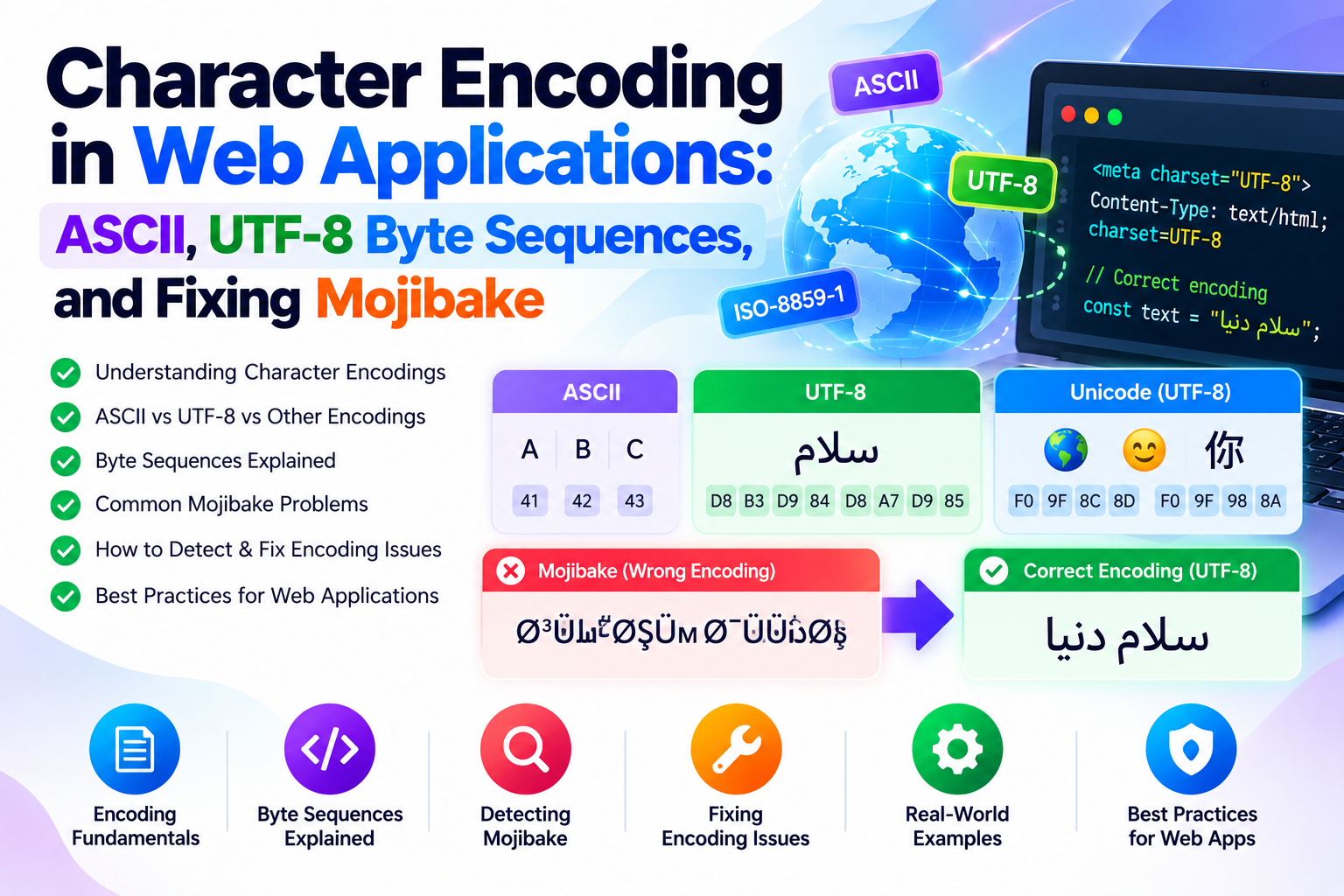
Character Encoding in Web Applications: ASCII, UTF-8 Byte Sequences, and Fixing Mojibake
Understand the byte architecture of ASCII and UTF-8. Learn how character encoding mismatches produce corrupted text...
TU Web Tools provides modern browser-based utilities that simplify text formatting, encoding, SEO analysis, developer workflows and online productivity. Every tool is fast, mobile friendly and works without a complicated setup.
Instant browser-based utilities.
Secure and simple online tools.

Optimised for all devices.
Helpful productivity tools.

TU Web Tools is a growing collection of free online utilities designed to simplify everyday digital tasks. Whether you are a developer, SEO specialist, student, freelancer, marketer or business owner, our platform provides practical tools that save time and improve productivity.
From text formatting and encoding to code optimisation and SEO analysis, every tool is designed to be simple, fast, secure and accessible directly from your browser without installation.
Discover powerful online utilities designed to simplify everyday digital tasks for developers, SEO professionals, students and businesses.
Format, validate, prettify, and minify JSON data with instant syntax error detection and line-number pinpointing.
Split, convert, and reformat text lists by any delimiter: commas, tabs, newlines, or custom characters. 100% private in-browser processing.
Decode percent-encoded URLs, restore obscured tracking links, and inspect malformed query string parameters in real time.
Test password strength against real-world dictionary attacks, pattern matching, and brute-force cracking benchmarks.
Encode and decode Base64 strings, binary payloads, and Data URIs with full UTF-8 and Base64URL support. 100% private in-browser.
Extract, filter, and organize all web links and URLs from text, HTML source code, Markdown documents, and server logs.
Generate cryptographically secure random passwords and passphrases with custom length, character pools, and entropy ratings.
Scan and decode QR codes from image files, screenshots, or live camera feeds directly in your browser. 100% private.
TU Web Tools is designed to provide fast, reliable and easy-to-use online utilities that help you complete digital tasks efficiently without installing software.
All tools are optimised for quick browser-based processing, delivering instant results with minimal waiting time.
Your data stays private. Most tools process information instantly without permanent storage.
Use TU Web Tools on desktops, tablets and smartphones with a fully responsive experience.
Access useful online utilities without subscriptions, software downloads or complicated registration.
Find answers about TU Web Tools, our online utilities, privacy practices and platform features.
Splitting is how the tool reads your input - it needs to know where one item ends. Joining is how it writes the output. They are set separately, which is what makes conversion possible: split on line breaks, join with commas, and a vertical list becomes a comma-separated string.
The main Characters figure includes them, because that is what almost every platform counts against its limit. The second figure excludes them, which is the convention for translation and typesetting work. Both are shown at once so you do not have to choose.
Articles, short conjunctions and short prepositions: a, an, and, as, at, but, by, for, in, nor, of, on, or, the, to, up, with. The first and last words are always capitalised regardless. Style guides differ on the exact list, so compare the output against your house style if you have one.
The first one. Everything after it is discarded, and the surviving line stays in its original position. If your list is ordered by relevance, date or priority, that ordering is preserved exactly.
Because it is not plain ASCII. The original standard only defines 0 to 127. Anything beyond that - accented letters, curly quotes, CJK characters, emoji - is Unicode, and the tool returns the real code point rather than failing. é is 233 and 中 is 20013.
Reverse word order changes the sequence but leaves the spelling alone: the quick fox becomes fox quick the. Reverse each word keeps the sequence but flips the spelling: eht kciuq xof. The first is a sentence read backwards, the second is the same sentence with every word scrambled in place.
Five causes account for almost everything: a trailing comma after the final item, single quotes instead of double, an unquoted key, a comment, or an unescaped control character in a string. The last two surprise people most - JSON permits no comments at all, and unlike JavaScript it rejects trailing commas.
No, and treating it as one is a real security mistake. It is a reversible encoding with no key and no secret - anyone can decode it in seconds, including this page. Use it for safe transport of data, never for keeping anything private.
Practical guides, tutorials, SEO tips, developer resources and productivity insights to help you work smarter online.
Understand the byte architecture of ASCII and UTF-8. Learn how character encoding mismatches produce corrupted text...
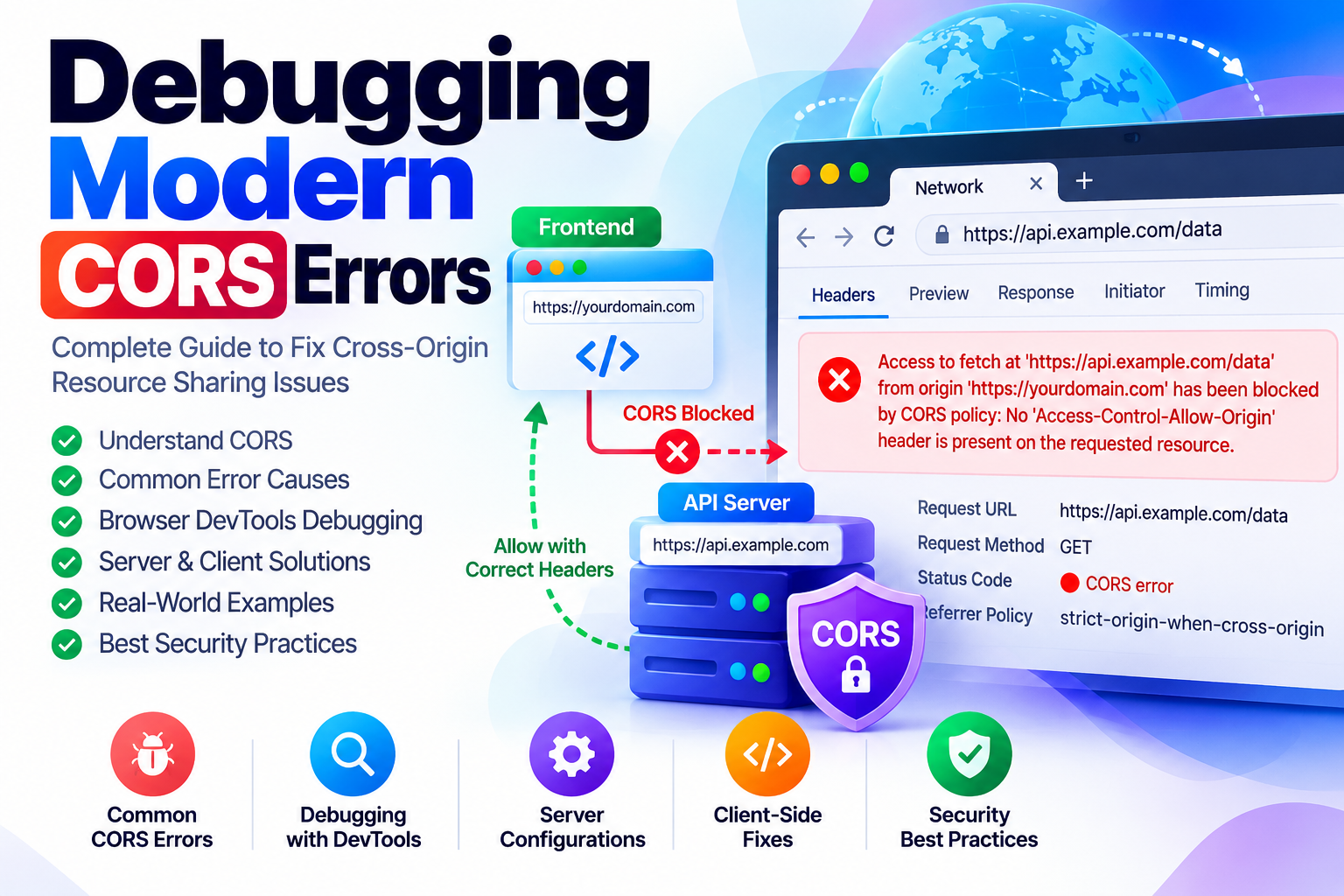
Learn how to diagnose and resolve modern CORS failures in web applications. Explore preflight OPTIONS handshakes,...
Learn how modern zero-knowledge web applications encrypt confidential data directly inside the browser using the W3C...
Free, browser based utilities for developers, SEO professionals, students and businesses.
Free to use • Mobile friendly • No installation required