In modern web engineering, website speed is no longer just a technical metric for developers to obsess over in private—it is a decisive business driver. Research conducted by Google, Amazon, and Akamai has demonstrated repeatedly that every 100-millisecond delay in webpage load time reduces user conversion rates by up to 7%. Conversely, accelerating load times from three seconds down to under one second increases mobile engagement, reduces bounce rates, and directly improves organic search visibility.
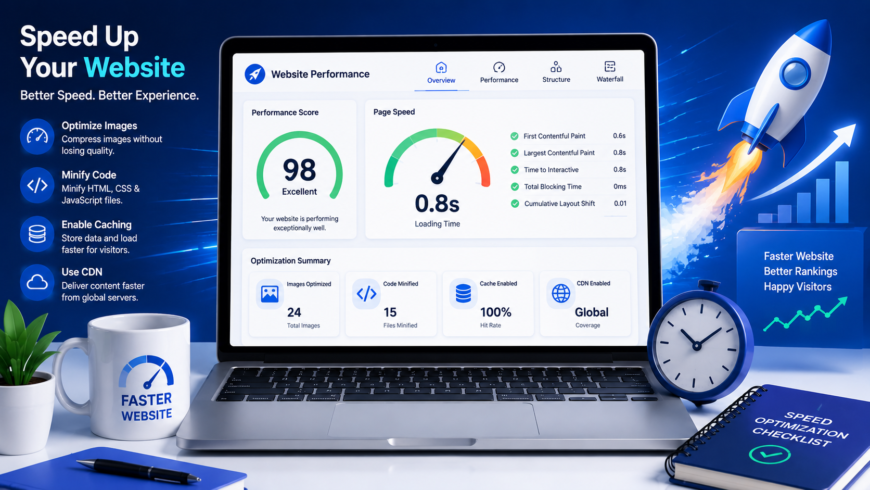
Google officially made page experience and Core Web Vitals direct ranking signals in its search algorithms. If your website is bogged down with bloated JavaScript bundles, uncompressed high-resolution images, render-blocking stylesheets, and slow server response times, your search engine rankings will suffer. Here is a comprehensive, practical engineering guide to diagnosing performance bottlenecks and achieving sub-second load times in 2026.
The Three Core Web Vitals Metrics That Determine Your Ranking
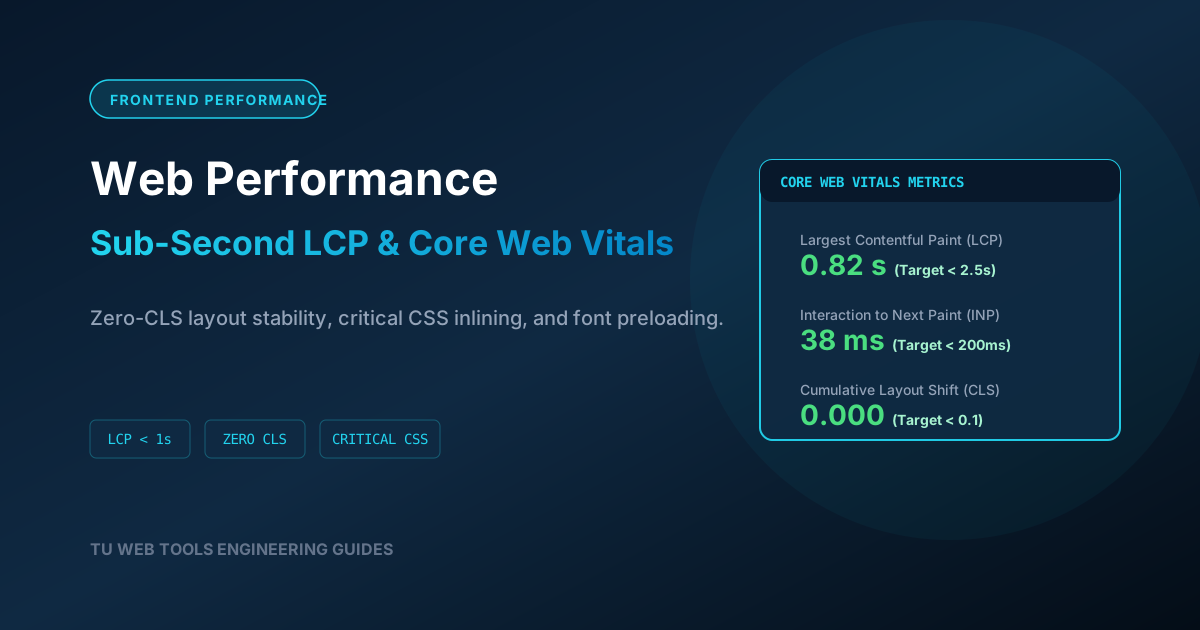
Google evaluates real-world website performance based on real-user metrics collected through the Chrome User Experience Report (CrUX). There are three Core Web Vitals metrics every webmaster must master:
| Metric | What It Measures | Good Target | Primary Optimization Strategies |
|---|---|---|---|
| Largest Contentful Paint (LCP) | Render time of the largest visible content element (hero image or primary heading). | Under 2.5 seconds (Aim for < 1.2s) | Serve modern WebP/AVIF images, eliminate render-blocking CSS, enable CDN edge caching. |
| Interaction to Next Paint (INP) | Overall responsiveness to user clicks, taps, and keypresses across the session. | Under 200 milliseconds | Break up long JavaScript tasks, defer non-critical scripts, offload calculations to Web Workers. |
| Cumulative Layout Shift (CLS) | Visual stability of the page layout as resources stream in. | Score under 0.10 | Always declare explicit width and height on images/videos; reserve ad banner slots. |
1. Optimize Server Response Time (TTFB Under 200ms)
No amount of frontend optimization can compensate for a slow web server. Time to First Byte (TTFB) measures the latency between a browser initiating an HTTP request and receiving the first byte of HTML response from your server. To keep TTFB under 200ms:
- Deploy an Edge CDN: Utilize a global Content Delivery Network (such as Cloudflare, Fastly, or AWS CloudFront) to cache your static HTML pages at the network edge, serving visitors from data centers located within 15 milliseconds of their physical location.
- Enable PHP OPcache and Object Caching: If running a dynamic PHP stack (like WordPress or Laravel), ensure OPcache is enabled so precompiled PHP bytecode stays in RAM. Integrate Redis or Memcached to cache database query results, eliminating slow SQL lookups on every pageview.
- Upgrade to HTTP/3 and Brotli: Ensure your web server (Nginx or LiteSpeed) supports HTTP/3 (QUIC) for multiplexed connections over UDP, and enable modern Brotli compression over legacy Gzip to reduce wire transfer sizes by an additional 15% to 20%.
2. Eliminate Render-Blocking CSS & JavaScript
When a web browser encounters an external stylesheet or synchronous script tag inside your HTML <head>, it halts rendering completely until the asset is downloaded and parsed. To eliminate render-blocking delays:
- Minify Stylesheets and Scripts: Strip all developer comments, whitespace, and unused rules. Use our free CSS Minifier and JavaScript Minifier tools to compress your assets before deployment.
- Inline Critical CSS: Extract the minimal CSS required to render above-the-fold content and embed it directly inside a
<style>tag in your HTML head. Load non-critical stylesheets asynchronously using<link rel="preload" as="style">. - Defer JavaScript Execution: Add the
deferattribute to all external script tags:<script defer src="/app.min.js"></script>. This instructs the browser to download scripts in the background without blocking HTML parsing.
3. Optimizing JavaScript Execution & INP (Interaction to Next Paint)
In March 2024, Google officially replaced First Input Delay (FID) with Interaction to Next Paint (INP). While FID only measured the delay of the very first click, INP measures the latency of every single user interaction across the entire lifecycle of the visit.
When a user clicks a button and the browser takes 500ms to update the screen, the user experiences jarring lag. This is caused by Long Tasks (JavaScript execution blocking the browser main thread for more than 50 milliseconds). To optimize INP:
- Yield to the Main Thread: Break monolithic loops into asynchronous chunks using
await new Promise(resolve => setTimeout(resolve, 0))or modernscheduler.yield(). This allows the browser to process touch events and repaint the UI between heavy calculations. - Offload Work to Web Workers: Offload heavy data sorting, encryption, or image parsing to background Web Worker threads that execute parallel to the main UI thread.
4. Next-Generation Image Formats & Responsive Delivery
Images account for over 60% of the total byte weight of average web pages. Serving massive 4 MB JPEG photos taken straight from a DSLR camera will destroy mobile performance:
- Convert to WebP and AVIF: Modern AVIF and WebP image formats achieve 30% to 50% smaller file sizes than legacy JPEG and PNG files at identical visual quality.
- Declare Explicit Dimensions: Always specify explicit
widthandheightattributes on every<img>element. This allows the browser to calculate the exact layout aspect ratio before the image downloads, completely eliminating Cumulative Layout Shift (CLS). - Native Lazy Loading: Add
loading="lazy"to all images located below the fold. The browser will defer loading those images until the user scrolls near them, saving precious cellular bandwidth.
5. Web Font Optimization: Eliminating FOIT and Cumulative Layout Shifts
Custom typography enhances brand design, but unoptimized web fonts are one of the most common causes of slow Largest Contentful Paint (LCP) and jarring Cumulative Layout Shift (CLS). When a browser encounters an external font file, it frequently hides text completely until the font downloads—a phenomenon known as Flash of Invisible Text (FOIT).
To eliminate font loading bottlenecks:
- Enforce
font-display: swap: In your@font-facedeclarations, always includefont-display: swap;. This instructs the browser to immediately render readable text using a system fallback font (such as Arial or system-ui), swapping in the custom web font smoothly once it finishes downloading. - Subset Font Glyphs: Most standard Latin websites require only basic alphanumeric characters and standard punctuation. Standard font files often contain thousands of glyphs for unused Cyrillic, Greek, and mathematical symbols, swelling file sizes to over 200 KB. By subsetting your fonts to Latin-only characters using tools like
pyftsubset, you can reduce WOFF2 file sizes down to under 20 KB. - Preload Critical Above-the-Fold Fonts: Instruct the browser to initiate the font download immediately during initial HTML parsing using a preload link tag in your document head:
<link rel="preload" href="/fonts/inter-bold.woff2" as="font" type="font/woff2" crossorigin>.
6. HTTP/3 vs. HTTP/2: Eliminating Head-of-Line Blocking
While HTTP/2 introduced revolutionary multiplexing over a single TCP connection, it suffered from a major transport-layer limitation: TCP Head-of-Line (HoL) blocking. Under HTTP/2, if a single network packet is dropped on an unstable cellular connection, the entire TCP connection stalls while waiting for packet retransmission, freezing all multiplexed streams simultaneously.
HTTP/3 solves this fundamentally by replacing TCP with QUIC, a modern transport protocol built on top of UDP. Under HTTP/3, every stream is completely independent at the transport layer. A dropped packet on an image download will not delay the delivery of your critical CSS stylesheet or JavaScript bundle by even a millisecond. Upgrading your web server (LiteSpeed or Nginx with QUIC support) to HTTP/3 delivers immediate, measurable latency reductions for mobile visitors worldwide.
Actionable Performance Audit Checklist
- Test your URL using Google PageSpeed Insights and WebPageTest to identify specific render-blocking assets.
- Minify your HTML markup using our HTML Minifier to reduce DOM tokenization overhead.
- Compress and inline above-the-fold stylesheets using our CSS Minifier.
- Enable server-side Brotli compression and set aggressive browser caching headers (
Cache-Control: public, max-age=31536000, immutable) for all static assets.