Despite years of unanimous warnings from cybersecurity agencies, chief information security officers (CISOs), and cryptographic researchers, millions of internet users and even experienced software developers still resist using dedicated password managers. The arguments against them usually sound reasonable on the surface: "Putting all my passwords in a single basket is dangerous," "What happens if the cloud provider gets breached?" or "I can just memorize four strong variations of the same password."
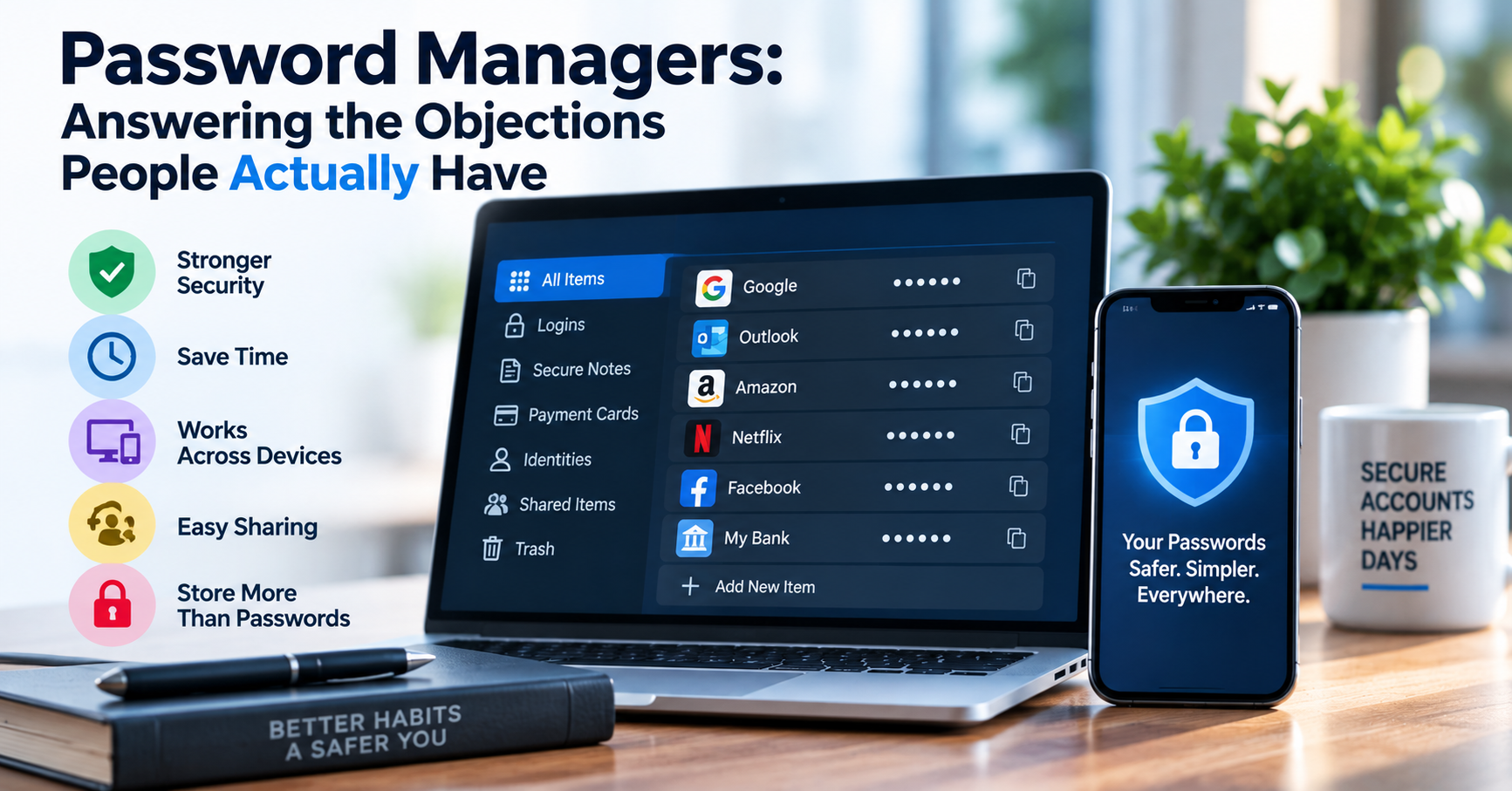
However, when you analyze how cyberattacks actually happen in the real world versus theoretical Hollywood movie scenarios, the data tells a radically different story. Relying on human memory or slight password variations is the cryptographic equivalent of leaving your front door unlocked. Here is an objective, engineering-focused breakdown of the five most frequent objections to password managers, answered with concrete cryptographic realities.
Objection 1: "Putting All My Eggs in One Basket Creates a Single Point of Failure"
This is the most common philosophical hesitation. The fear is that if your password manager vault is compromised, an attacker gains access to your email, banking, server infrastructure, and personal records in one stroke.
The Reality: In reality, humans who do not use password managers already have a single point of failure—they just don't realize it. When you memorize passwords, you inevitably reuse the same password (or minor variations like Secret123! vs Secret2026!) across dozens of websites. When an obscure hobby forum or an old e-commerce store with outdated security gets breached, attackers take that leaked email and password combination and run automated credential stuffing botnets against Google, GitHub, AWS, and major banks within minutes. By reusing credentials, every single website you have ever signed up for becomes a potential backdoor into your entire digital life.
A password manager eliminates this systemic vulnerability by ensuring that every single account has a completely unique, 20+ character cryptographically random password. If one service suffers a breach, the leaked password gives the attacker access to exactly one service—and nothing else.
Objection 2: "What Happens If the Password Manager Company Gets Breached?"
People point to historical security incidents at major password management companies and conclude that storing vaults in the cloud is unsafe.
The Reality: Zero-Knowledge Architecture. Reputable modern password managers (such as Bitwarden, 1Password, or self-hosted Vaultwarden) operate on a strict Zero-Knowledge Cryptographic Model:
| Encryption Component | Cryptographic Standard Used | Where Execution Occurs |
|---|---|---|
| Vault Encryption | AES-256-GCM / ChaCha20-Poly1305 | Locally on your client device before network sync |
| Key Derivation Function | Argon2id or PBKDF2 (600,000+ iterations) | Derived in client device memory from your Master Password |
| Authentication Hash | HMAC-SHA256 (salted hash) | Sent to server to verify login; reveals nothing about the master key |
Under this architecture, your master password and your decryption keys never leave your local device. The cloud server stores only an opaque, encrypted blob of ciphertext. Even if an attacker compromises the provider's cloud servers completely and steals their entire SQL database, all they hold is mathematically uncrackable AES-256 ciphertext. Without your master password, the stolen data is computational noise.
The Cloud Sync Dilemma: Self-Hosted Vaultwarden vs. Managed Cloud
For engineers and system administrators who distrust third-party cloud infrastructure entirely, open-source solutions provide complete data sovereignty. Projects like Vaultwarden (an open-source Rust implementation of the Bitwarden backend API) allow you to host your own synchronized password server on a private Raspberry Pi or local Docker home server:
# Deploying a private self-hosted password vault with Docker:
docker run -d --name vaultwarden \
  -e SIGNUPS_ALLOWED=false \
  -v /vw-data:/data \
  -p 8080:80 \
  vaultwarden/server:latest
With a self-hosted instance running behind a WireGuard or Tailscale private VPN, your encrypted vault never touches any public cloud server or third-party company infrastructure. You maintain full control over backups, network telemetry, and access logs while enjoying seamless multi-device mobile and desktop synchronization.
Objection 3: "Browser Built-In Password Managers Are Already Good Enough"
Modern browsers like Chrome, Edge, and Safari prompt you to save passwords automatically. Why install a dedicated extension?
The Reality: While browser autofill is vastly superior to reusing passwords, it has three critical architectural weaknesses:
- Local Malware Vulnerability: Common desktop malware (known as "Infostealers", like RedLine or Lumma Stealer) specifically targets local browser credential stores (e.g. Chrome's SQLite
Login Datafile). Because browsers keep credential databases unlocked while you are logged into your desktop session, infostealer malware can extract hundreds of plaintext passwords in seconds without needing administrator privileges. - Ecosystem Lock-In: If you use Safari on an iPhone, Chrome on a Windows PC, and Firefox on a Linux development workstation, your credentials cannot sync seamlessly across platforms.
- Lack of Advanced Secrets Storage: Dedicated managers support secure notes, SSH private keys, 2FA authenticator seeds (TOTP), credit cards, and software license keys with granular folder permissions.
Objection 4: "Password Managers Won't Protect Me Against Phishing"
Many assume that if you land on a fake banking website, your password manager will happily auto-fill your credentials into the trap.
The Reality: Password managers are the single best defense against phishing ever invented. A human eye can easily be tricked by a sophisticated lookalike domain using character homoglyphs (such as replacing the Latin letter 'a' with a Cyrillic 'а', or subtle misspellings like paypa1.com). But a password manager does not evaluate visual appearance—it inspects the exact, fully qualified domain name (FQDN) in the browser address bar. If the domain does not match the stored entry with cryptographic precision, the password manager refuses to autofill. This immediate refusal alerts the user that they are on a fraudulent phishing site.
Objection 5: "What If I Forget My Master Password?"
Because the provider has zero-knowledge of your master key, they cannot reset it for you if you forget it.
The Engineering Solution: The Emergency Access Sheet. When setting up a password manager, you should generate a strong 4-word passphrase (using our free Password Generator) and write it down by hand on an offline physical card along with your two-factor recovery code. Store that emergency sheet in a fireproof home safe or safe deposit box. By decoupling daily access from physical recovery, you maintain bulletproof digital security without risking account lockout.
Emergency Vault Access Workflows for Organizations and Families
A crucial consideration for long-term digital hygiene is planning for unforeseen emergencies or incapacity. Modern password managers support Emergency Access Workflows. You can designate a trusted contact (such as a spouse or a co-founder). If that contact requests access to your vault, the system triggers a mandatory countdown timer (e.g. 7 to 14 days) during which you receive email notifications allowing you to deny the request. If you do not deny the request before the timer expires, the encrypted emergency key is released, ensuring your business operations and family affairs can proceed smoothly without compromising everyday zero-knowledge security.